Transform your digital business card from a viewing experience into a reliable lead capture tool.
Step 1 - Optimised for Speed
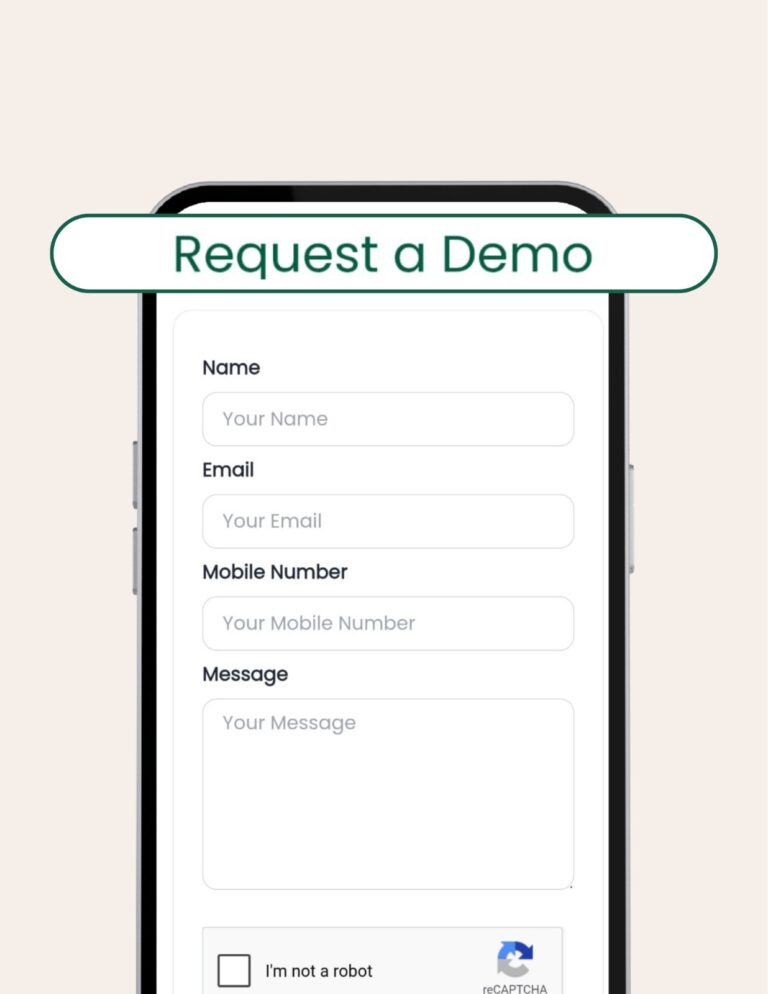
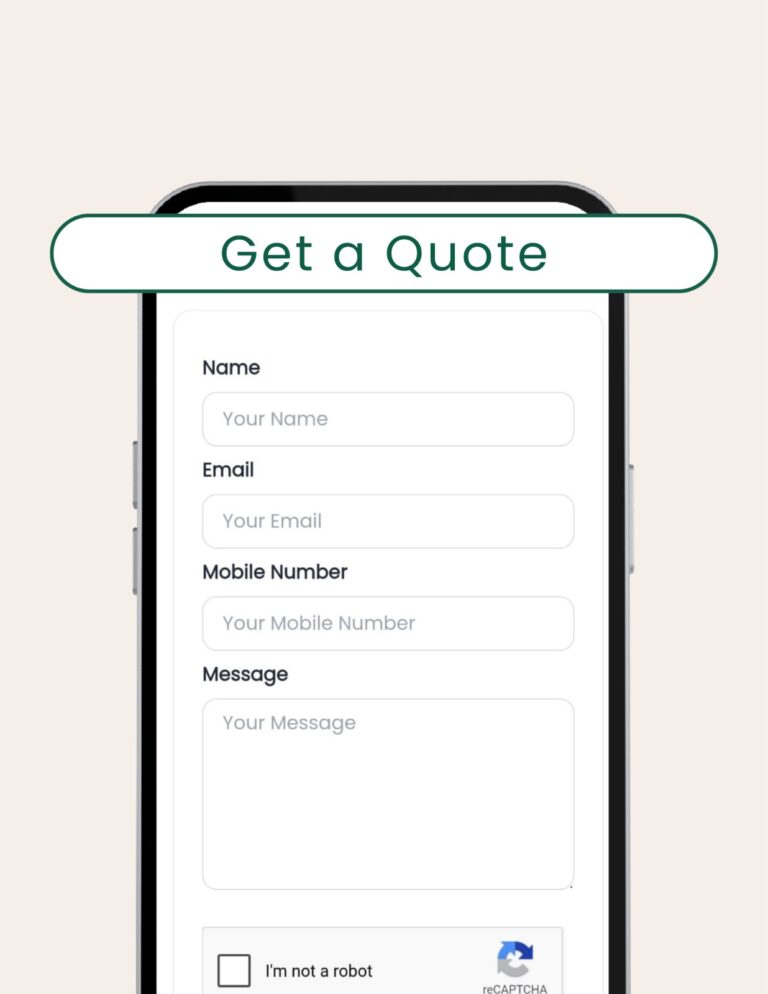
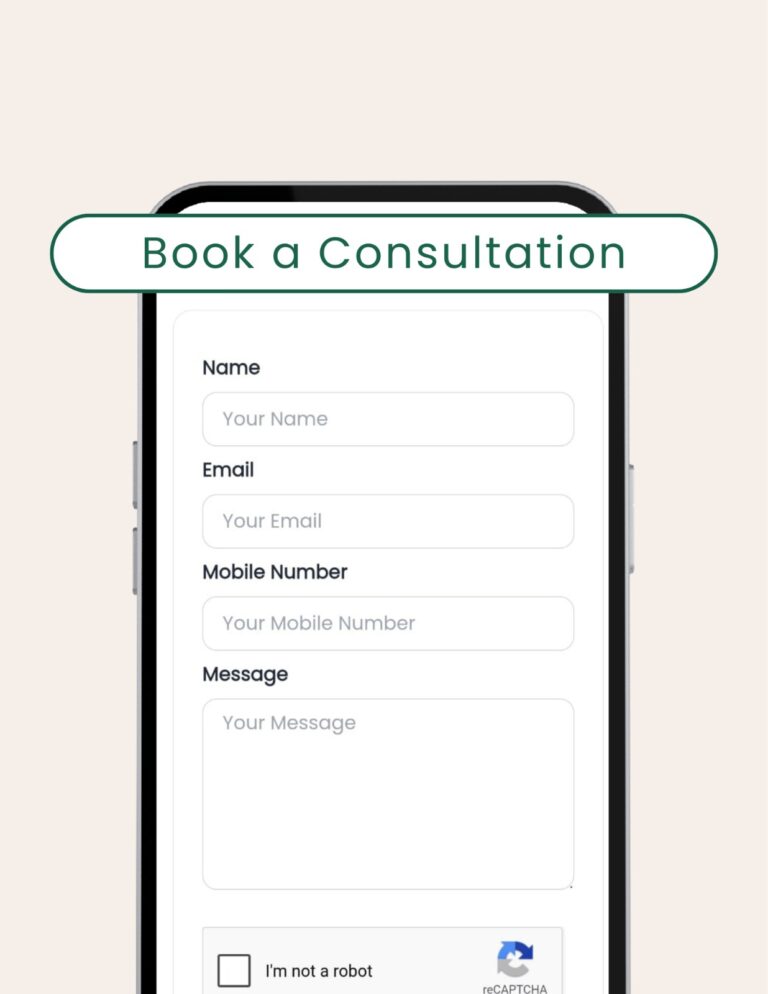
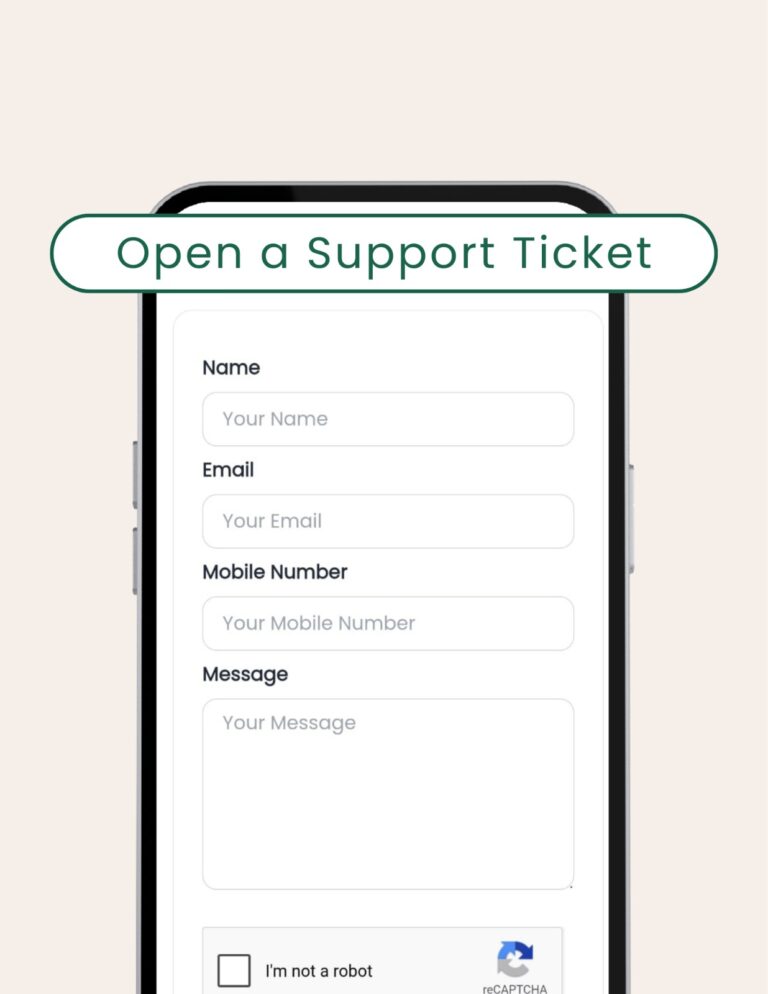
✅ Name
✅ Email Address
✅ Phone Number
✅ Message/Inquiry Text
Step 2 - The Output
Full inquiry details stored securely in your dashboard.
&
Immediate notification sent to your inbox for prompt follow-up.
Renaming for Conversion
Since the fields on the form are standardized, the most effective way to optimize this section is by renaming it to match your specific goal. This improves lead quality and communication clarity.
If you are using a Custom Card, you have the ability to rename the entire section. Use this feature to communicate a specific purpose, guiding the visitor toward the action you want them to take:
With Sales Leads as the Goal:
Recommended Section Name:
"Request a Demo"
Button Text Example
"Get a Free Demo"
With Price Inquiries as the Goal:
Recommended Section Name:
"Get a Quote"
Button Text Example
"Send My Quote Request"
With Bookings as the Goal:
Recommended Section Name:
"Book a Consultation"
Button Text Example
"Schedule a Call"
With Support Accessibility as the Goal:
Recommended Section Name:
"Open a Support Ticket"
Button Text Example
"Submit Ticket"
Don't Forget to TestUse the Preview function to send a test submission. Confirm emails land in your inbox promptly to ensure you never miss a lead.
By strategically renaming your Contact Form, you create a seamless and professional way to capture business, ensuring that every connection made via your Crocadilo card has an easy path to become a valuable lead.
Escape the bottleneck. Clone yourself. Scale your business 24/7.