Escape the bottleneck. Clone yourself. Scale your business 24/7.
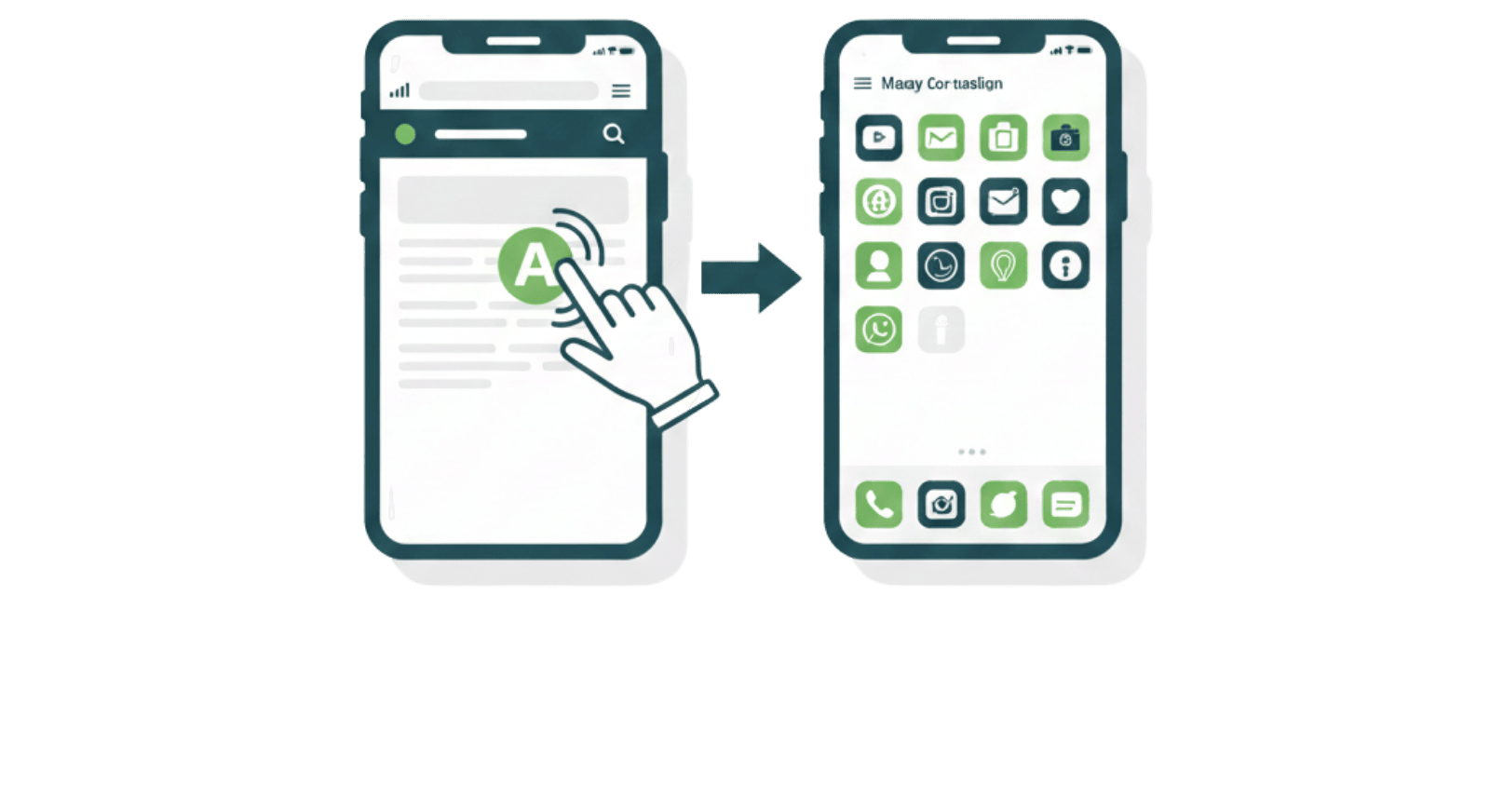
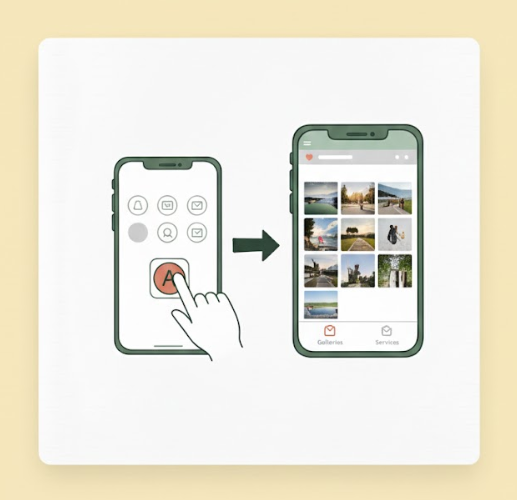
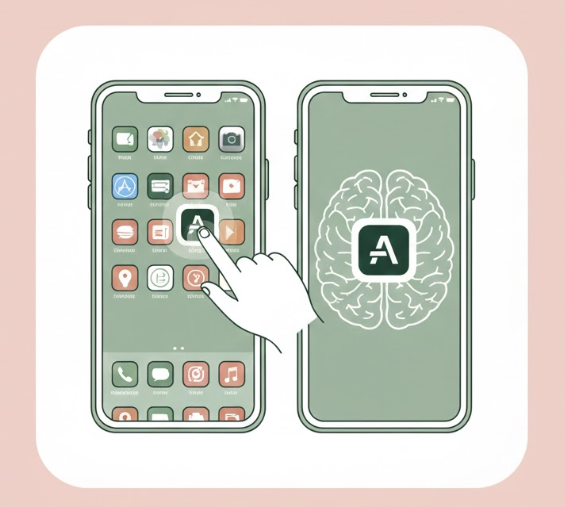
Allow visitors to save your card directly to their home screen—no App Store download required.
A PWA is a website that has been enhanced to offer an app-like experience. For your Crocadilo card, this means:
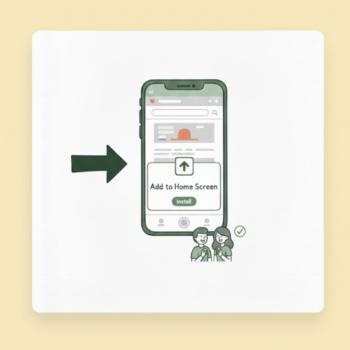
Visitors are prompted to 'Add to Home Screen' upon opening your link.
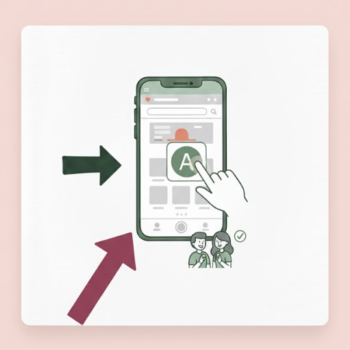
Your logo is instantly saved as a branded app icon on their phone.
Launches full-screen without a browser bar, just like a native app.
Enabling PWA transforms your digital card from a one-time link shared in a browser into a permanent, branded asset on your contact's phone.
Stop your link from getting lost in emails. Contacts get one-tap access via a home screen icon, driving higher views on your galleries and services.
A permanent visual reminder. Every time they unlock their phone, they see your brand, building top-of-mind awareness unlike any paper card.
Enable PWA: Go to Settings in the backend and toggle 'Enable PWA' to ON.
Use a Great Icon: Your Logo/Profile photo becomes the App Icon. Use a high-res, square image.
Test the Installation: </B.Open your URL on mobile and verify the 'Add to Home Screen' prompt appears.
By enabling PWA, you aren't just sharing a link. You are installing your brand directly onto your contact's most important device.
Crocadilo © 2026, All rights reserved.