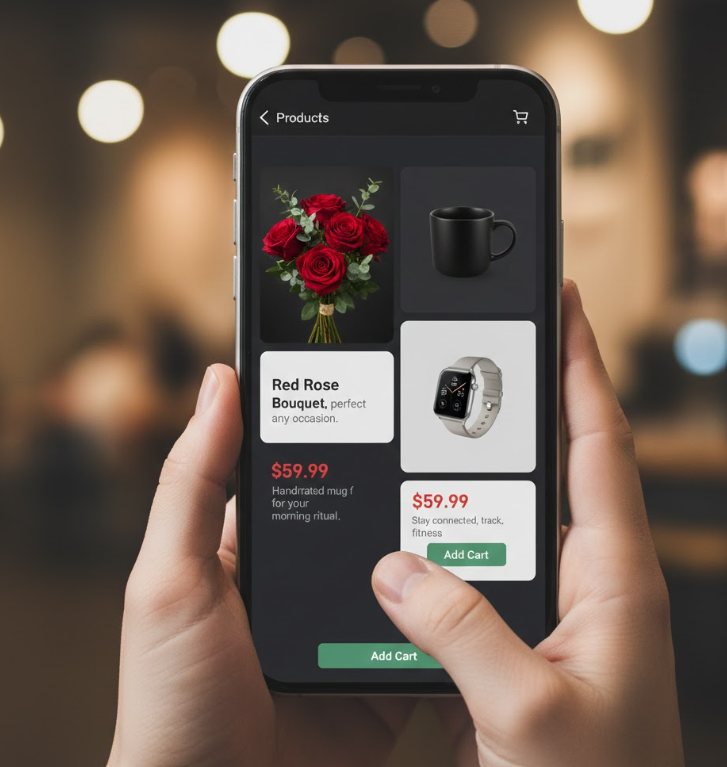
Transform Your WhatsApp Into a High-End Digital Showroom
Move beyond simple price lists. The Products Manager transitions your store from a contact repository into a dynamic sales engine. List, detail, and present your inventory directly to your customers with rich context.
We focus on providing the tools you need to transition from a simple contact list to a fully managed inventory system, making it easier for customers to browse and buy.
Present products with rich, persuasive detail
Eliminate the need for constant back-and-forth questions. Create "mini-catalog" pages for every item with high-quality images, detailed technical specs, and clear pricing to give customers the full context instantly.
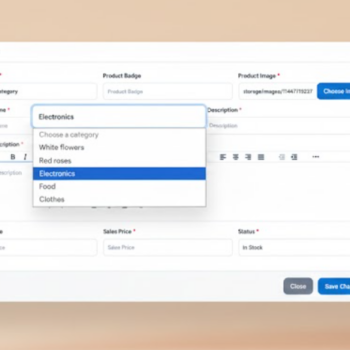
Organize your inventory for easy browsing
Don't let your customers get lost in a long list. Group your offerings into clear categories (like "New Arrivals" or "Best Sellers") to ensure visitors can quickly navigate to the specific area of interest without feeling overwhelmed.
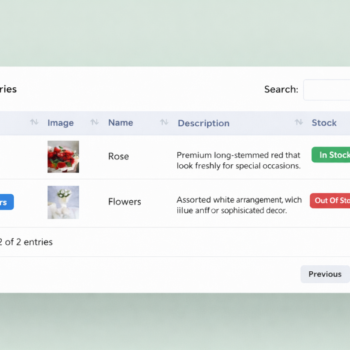
Maintain total control over your stock
Manage your business availability in real-time. Use simple toggles to mark items as "In Stock" or update prices instantly. Link every item to a direct call-to-action to drive conversions on the spot.
Complete Control Over Your Inventory
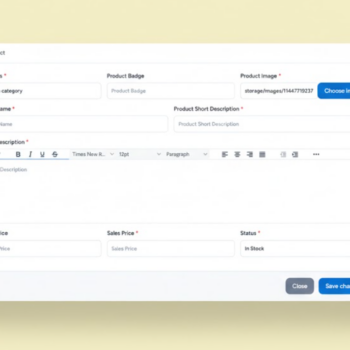
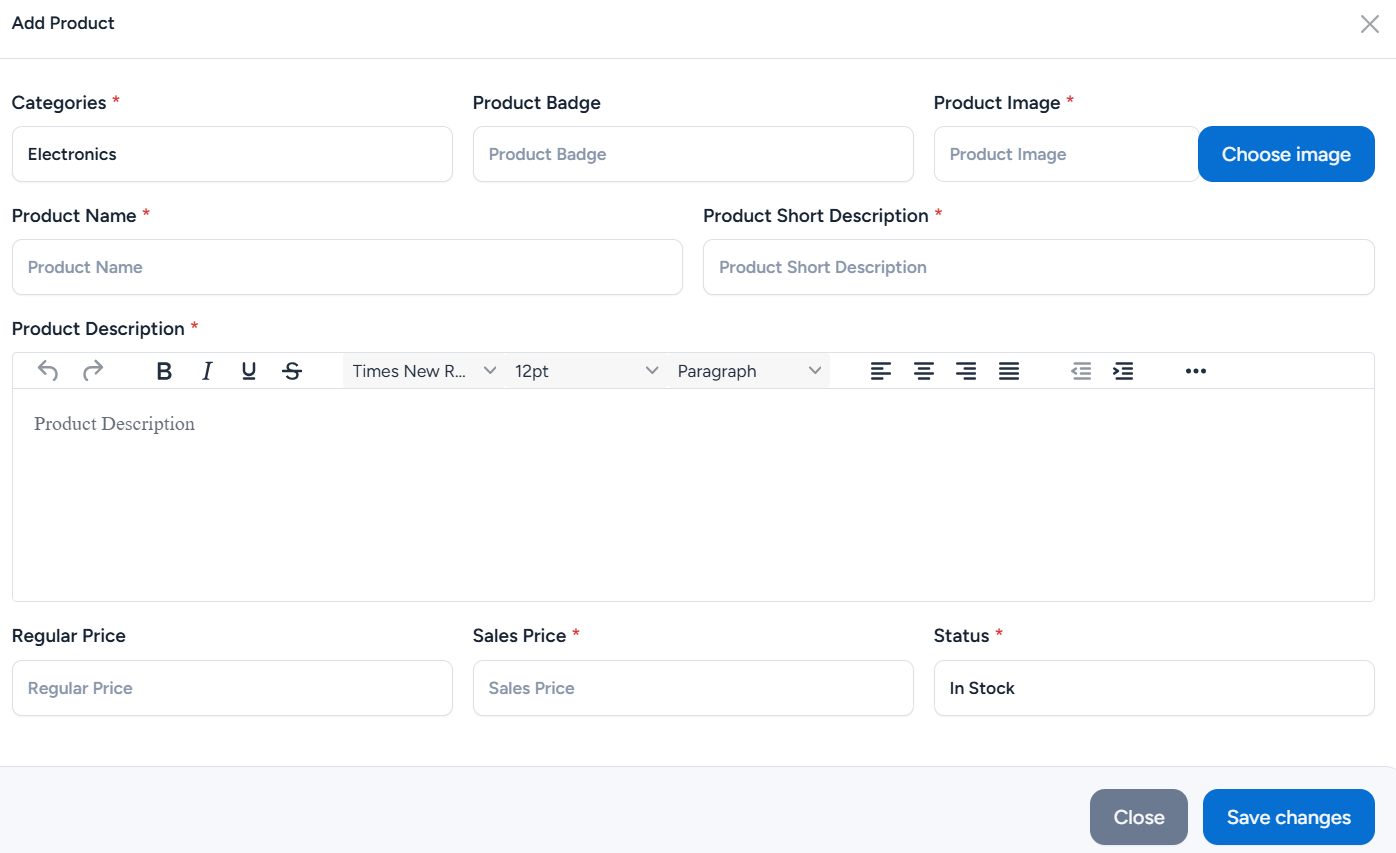
Your digital store is only as good as your product data. Our intuitive dashboard allows you to manage every aspect of your stock.
✅ Visuals: Upload distinct product badges and cover images.
✅ Pricing Strategy: Set ‘Regular Price’ vs. ‘Sales Price’ to trigger psychological triggers.
✅ SEO Friendly: Input ‘Short Descriptions’ that appear perfectly in WhatsApp previews.
Who is this for?
Perfect for fashion, electronics, or home goods. Showcase “New Arrivals” or “Seasonal Promotions” with high-quality gallery images. Clients can browse the “Red Roses” or “White Flowers” categories and order instantly via PWA.
Treat every property listing as a “Product.” Upload multiple images of the interior and exterior. Use the “Description” field for square footage and amenities, and “Price” for the listing value. Turn your card into a mobile property gallery.
Selling e-books, templates, or presets? List them as digital products. Use the “Short Description” to explain the benefits and the “Sales Price” to offer limited-time discounts on your digital assets.
Best Practices Section
💡 Best Practices for Your Digital Store
High-Quality Visuals
You have the space—use it! Ensure your product images are high-res and showcase different angles. This is your digital showroom.
Strategic Categorization
If you have more than 5 products, use the Category feature shown in your dashboard. Organization equals professionalism.
Clear CTAs
Utilize the "Sales Price" field to show value. For high-ticket items, ensure your description encourages the user to message for a demo.
Ready to fill your Digital Showroom?
Stop sending boring PDF price lists. Start adding products that sell themselves.