

Real-Time Business Hours
Build customer trust by showing exactly when you’re ready to take orders. Update your availability instantly as your day changes.
Precision Control
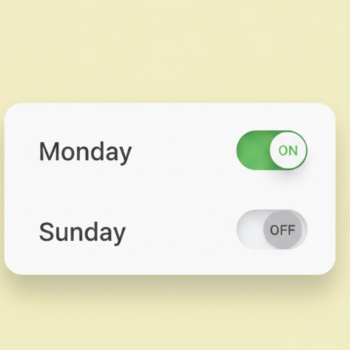
Set specific opening and closing times for every day of the week. Perfect for managing Friday prayers, weekend shifts, or holiday breaks.

Instant Sync
Changed your plans? Update your backend dashboard and your WhatsApp Storefront updates for every customer instantly.
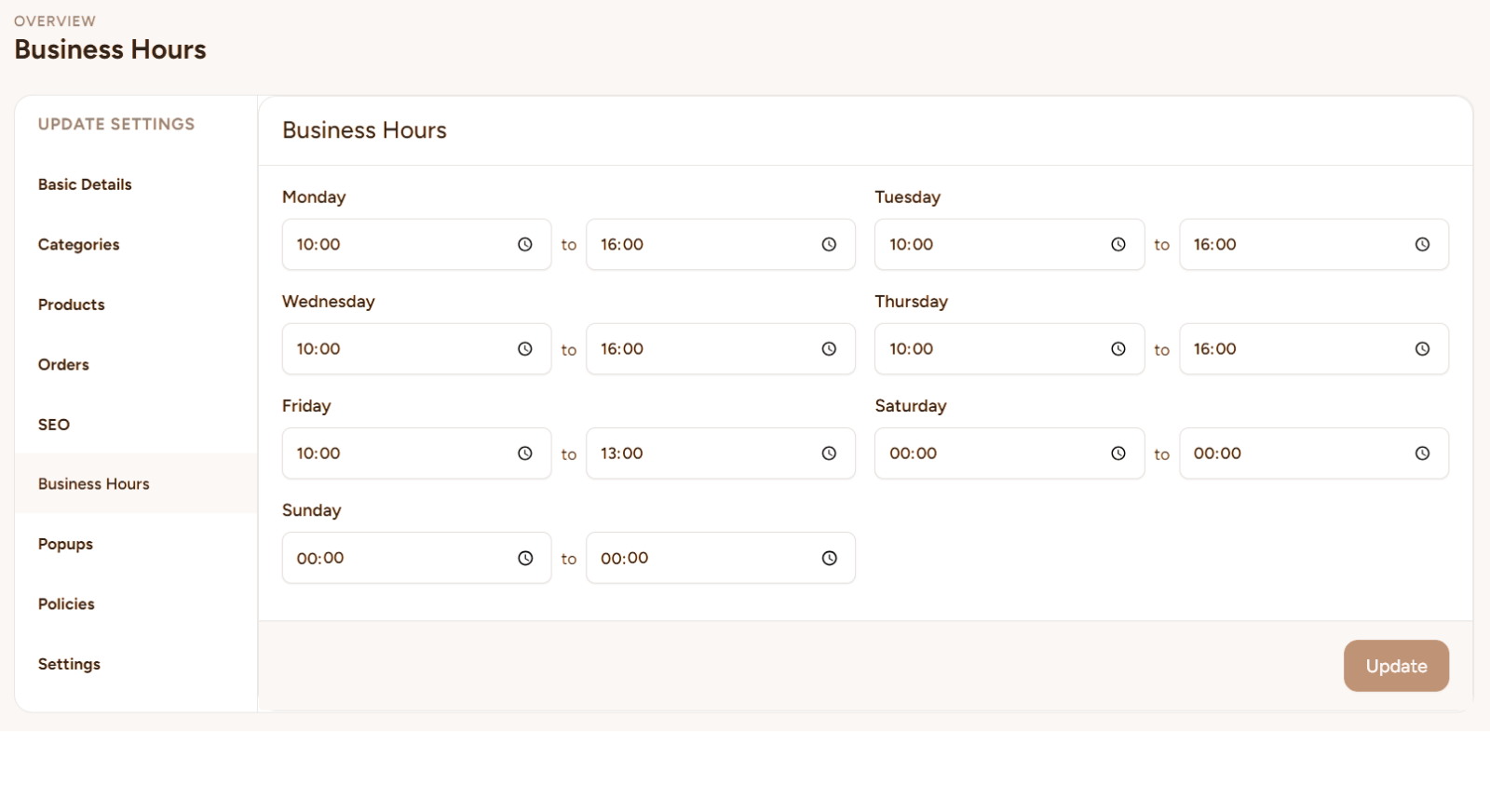
An intuitive backend (shown above) gives you total control over your store's heartbeat.
Smart Scheduling for Modern Businesses
Give your customers clarity with a Business Hours system that updates in real-time and adapts to your life.
Precision Daily Scheduling
Don't settle for a generic "9-to-5" label. Input unique schedules for every day of the week—set shorter hours for Fridays, mark Sundays as closed, or define specific "appointment only" windows with ease.
Instant Real-Time Sync
With Crocadilo, if you need to close early for an emergency, a single click in your backend updates your digital store instantly for every visitor.
Built for Any Scenario
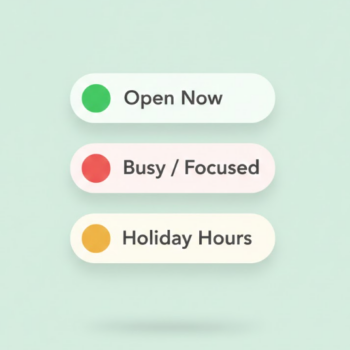
Whether you are a consultant needing "focus hours," a retailer handling a power outage, or a restaurant setting holiday times, your store effectively communicates your availability to prevent lost leads.
Built for Every Business Model
Whether you run a physical shop or a remote service, adaptable hours keep your customers informed.
Retail & Physical Shops
Prevent wasted trips. Update hours instantly for sudden closures or holidays.

Private Practice
Going on leave? Set status to "Closed" or "Appointment Only" to pause bookings.

Restaurants & Food
Manage rush hours. Let delivery drivers know exactly when the kitchen closes.

Remote Freelancers
Set boundaries. Define "Focus Hours" versus "Call Hours" for your clients.

Best Practices for Managing Hours
-
Be Explicit
If you are open 24 hours, state '24/7'. If you only take appointments, state 'By Appointment'. Clear communication is key.
-
Time Zone Clarity
Dealing with international clients? Note your primary time zone (e.g., EST) in your description to prevent confusion.
-
Use It for Emergencies
Treat this as your digital sign. If something changes unexpectedly, update your hours first to inform everyone instantly.