













shape shape
shape shape
shape shape
shape shape
shape shape
shape shape
shape shape
shape shape

GLOBAL COMMERCE

Speak Your Customer's Language.

Don't let language barriers kill your conversion rate.
Crocadilo allows you to set your Store Interface to the native language of your target market—instantly.

Image Image Dark

One Setting,
Total Localization.

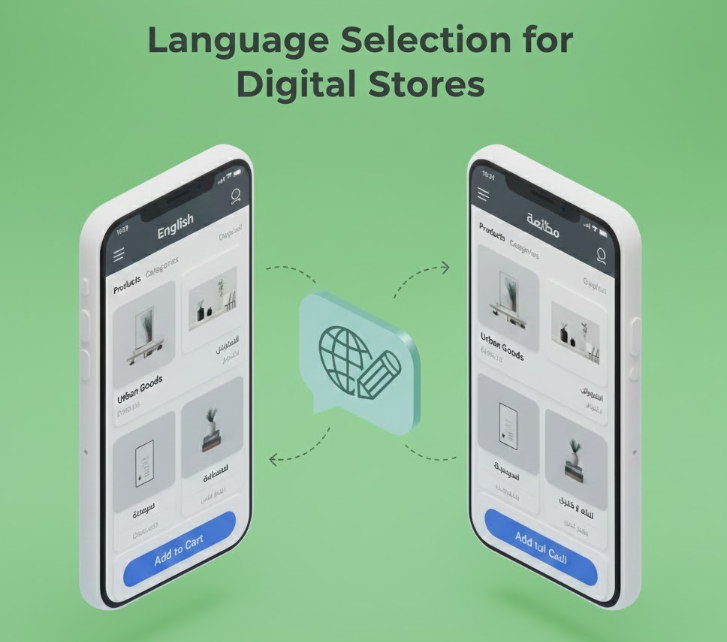
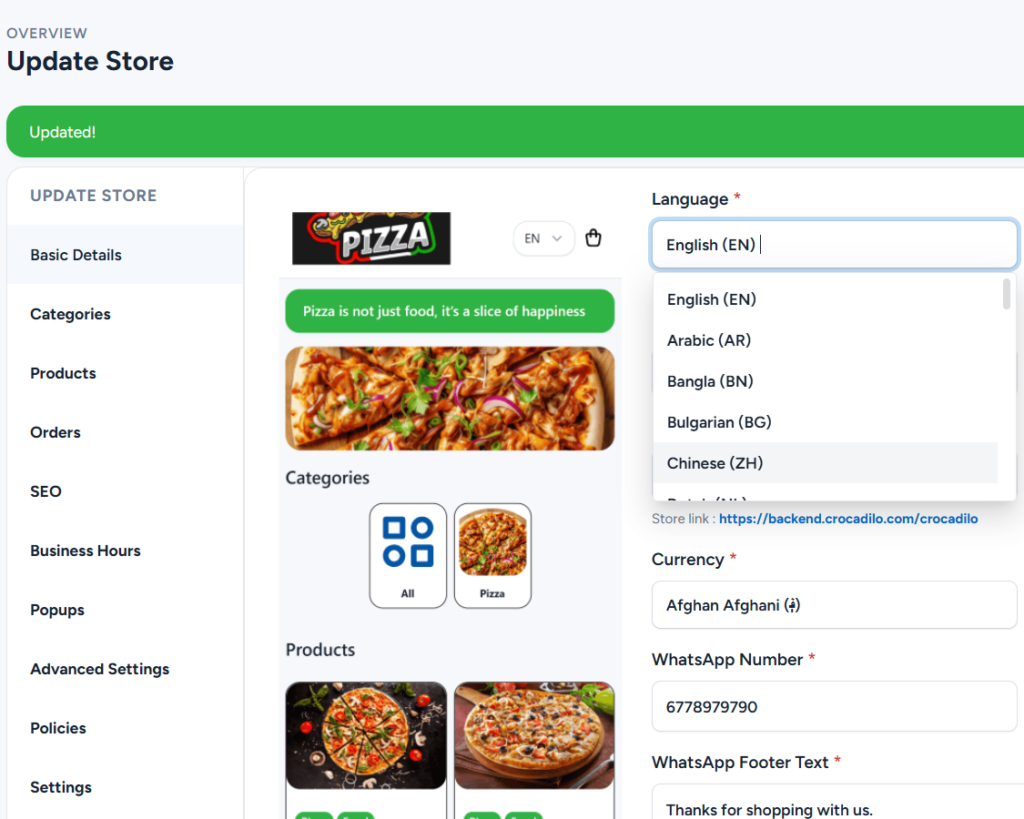
When you create a new store, simply select your target language from the dropdown. The system instantly translates all structural elements so you don't have to.

Navigation: "Home", "Categories", "Search"
Actions: "Add to Cart", "Checkout", "Order"
Notifications: Order confirmation messages

Automated Structure

We handle the framework. All buttons, menus, and system alerts are automatically presented in the chosen language (e.g., Spanish, French, German).

Your Inventory

You handle the products. You must type your Product Names, Descriptions, and Store Greeting in the target language to ensure accuracy.

Strategy: Running a Multi-Lingual Brand

Image Dark Image
Dedicate a Store Per Language

Do not mix languages. Create “MyStore UK” in English and a separate “MyStore Spain” in Spanish to keep the shopping experience seamless.

Image Dark Image
Input Native Descriptions

In your Spanish store, ensure every product description is typed in Spanish. The system handles the "Buy" buttons; you handle the sales pitch.

Image Dark Image
Share the Right Link

Send your crocadilo.com/store-es link to Madrid clients and crocadilo.com/store-uk to London clients to serve each market more effectively.

Breaking the Language Barrier - Ready to enter new markets?

Shopping is about trust. Crocadilo automatically translates your Store Interface (Buttons, Checkout, Menus) into your customer's native language, reducing friction and boosting sales. Setup your localized WhatsApp store in minutes.

Escape the bottleneck. Clone yourself. Scale your business 24/7.

Crocadilo © 2026, All rights reserved.